A restored Córdoba foosball table
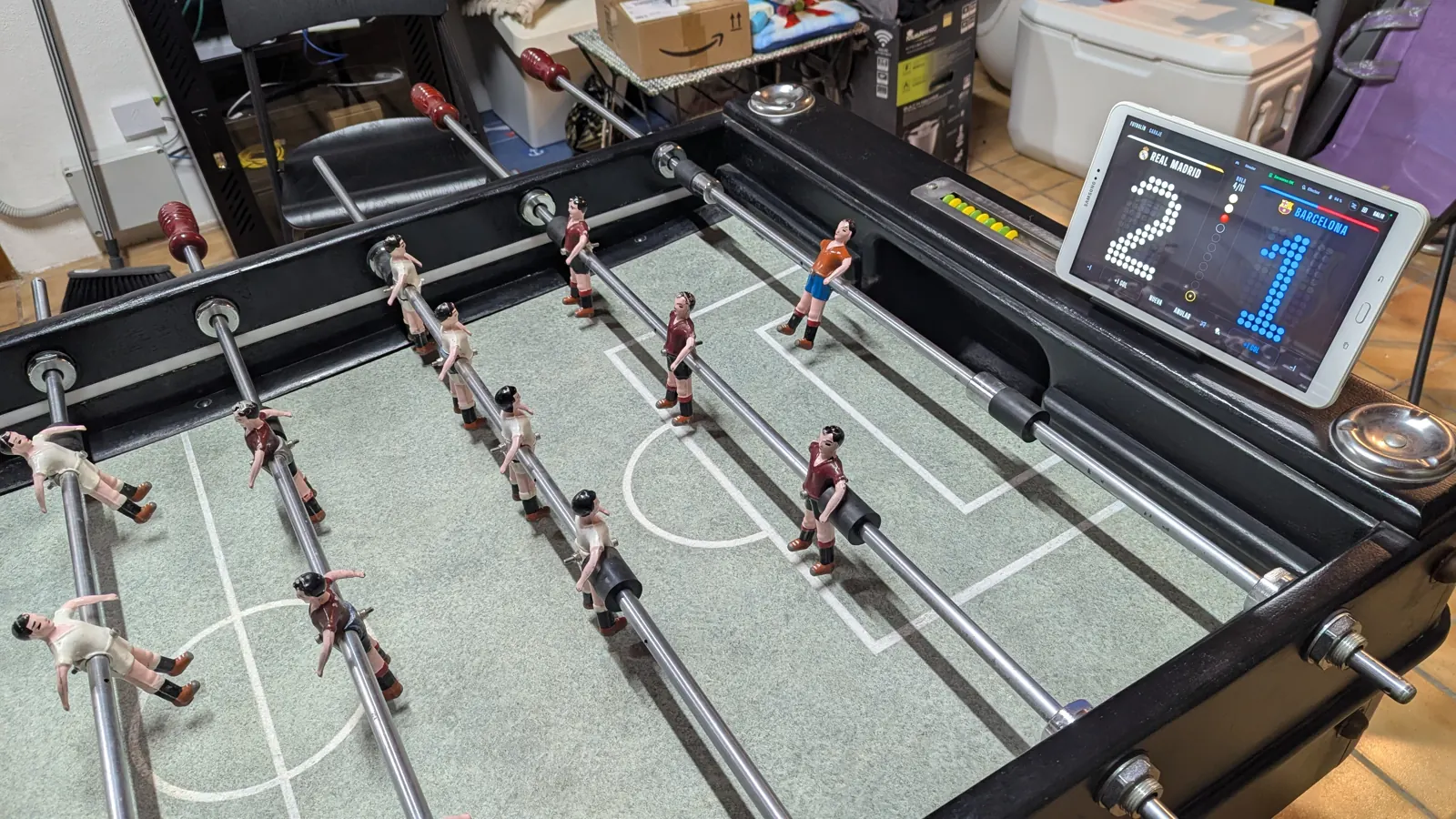
Infrared beams in the ball return lanes and an ESP32 running ESPHome that keeps track of the match. The scoreboard is a dashboard on a tablet, with a commentator and music, it's voice controlled with Assist and goals are celebrated with WLED. It runs on batteries, hidden inside the cabinet, and the goals haven't been touched.

01
You play with 11 balls and the first to 6 wins. At 5-5, the last ball is served from the centre: that's “la buena”, the decider. The ESP32 knows these rules and publishes the phase of the match in sensor.futbolin_fase. Everything else (scoreboard, sound and lights) reacts to that phase.
“New game” by voice. Scoreboard back to zero and the commentator introduces the clásico.
normalCounted automatically. A wave of light in the team's colour and a line from the commentator.
event.futbolin_golWhen a team reaches 5, the strips breathe in its colour.
bola_partido_a5-5: duelling waves, a golden heartbeat and a banner on the scoreboard.
la_buenaA light party and the winner's screen. Extra goals no longer count.
fin_a02
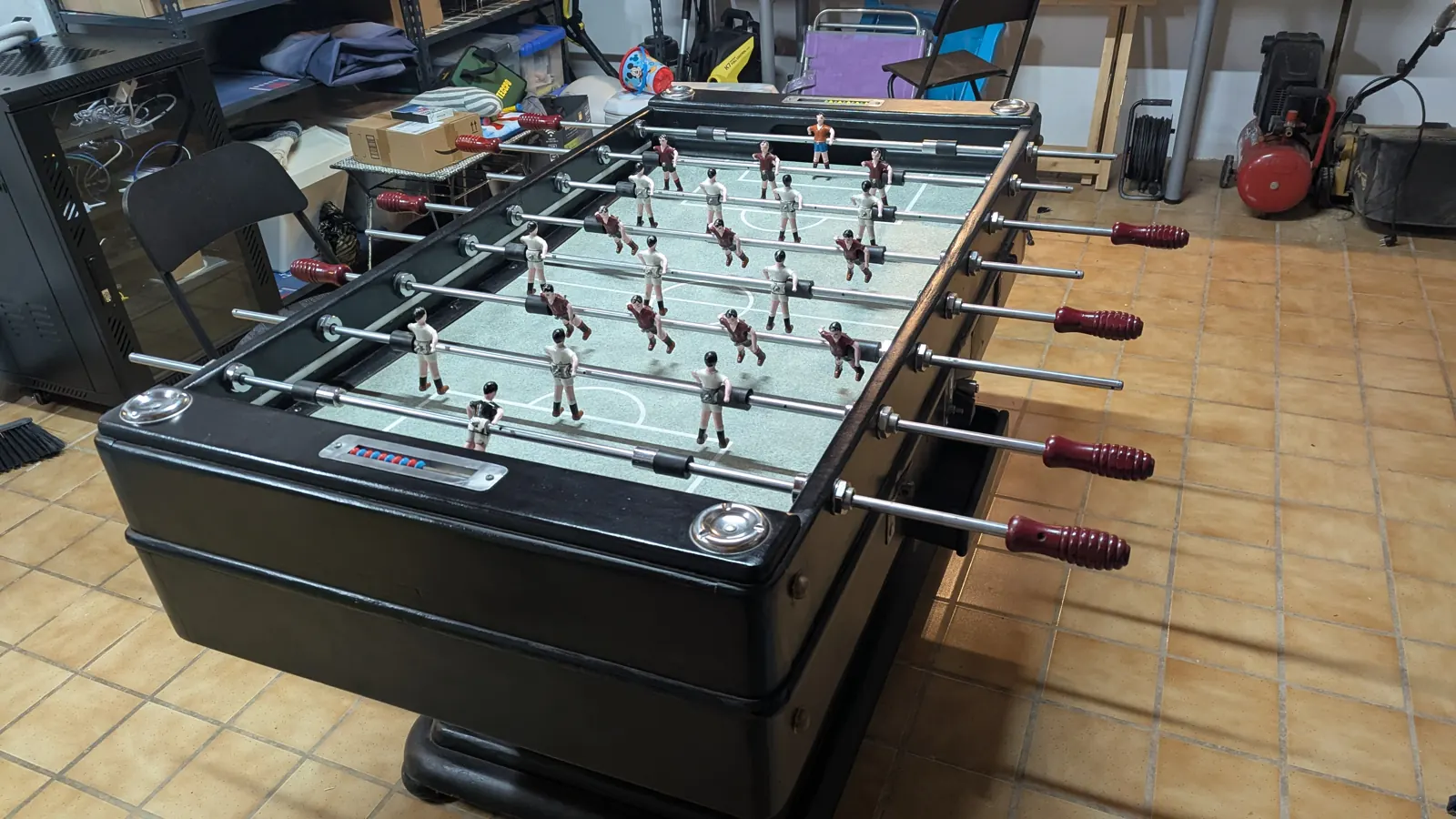
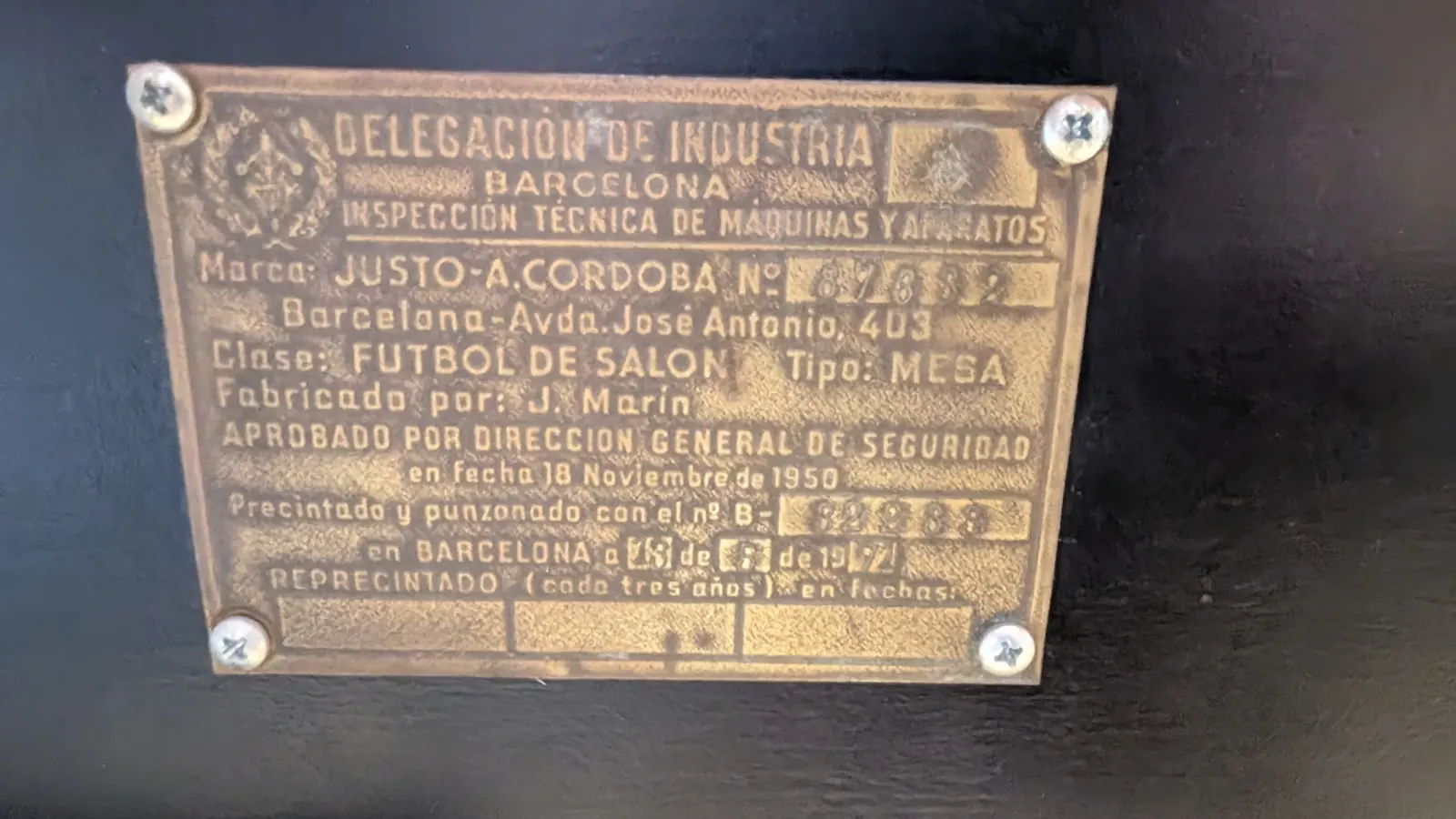
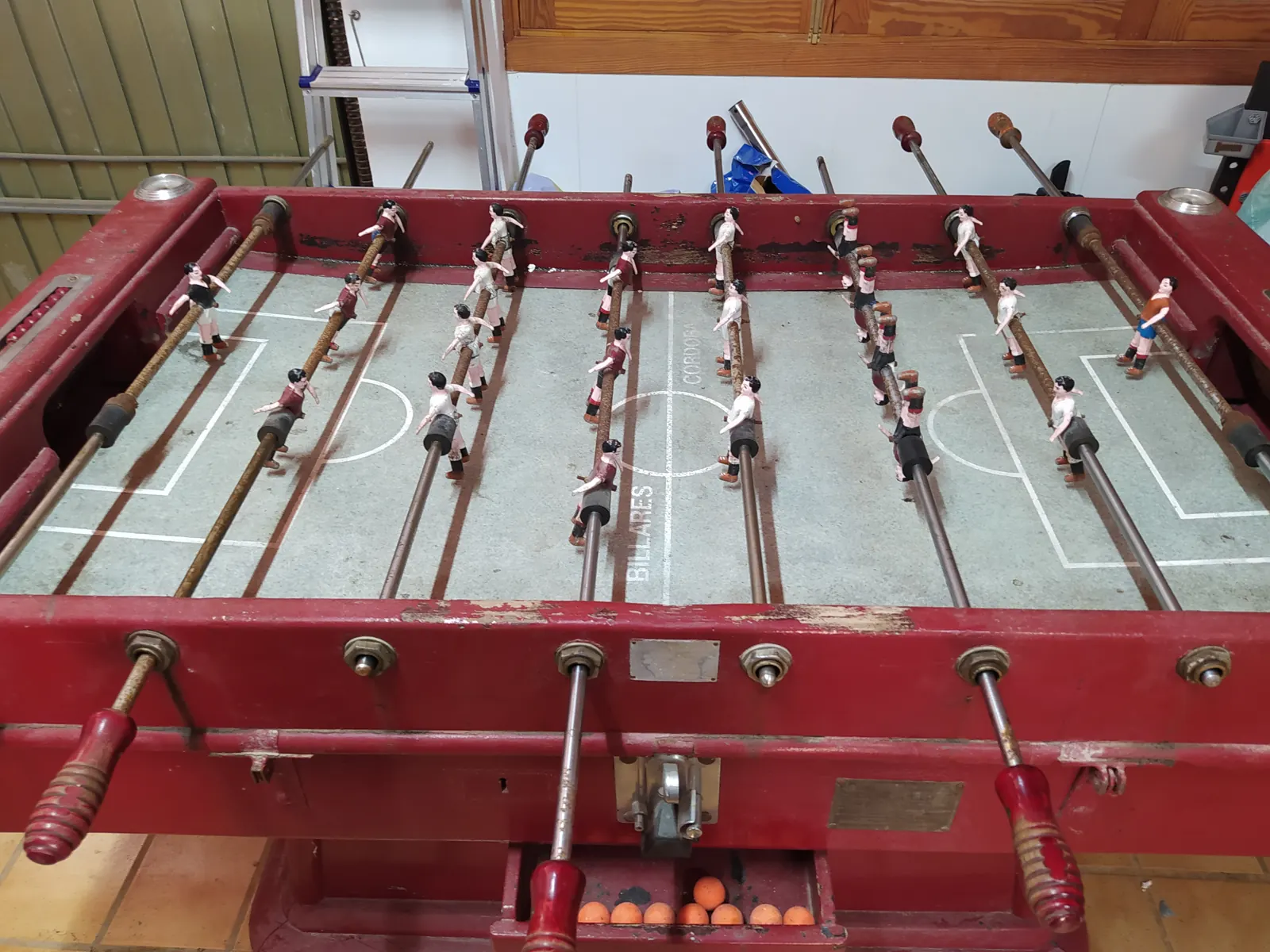
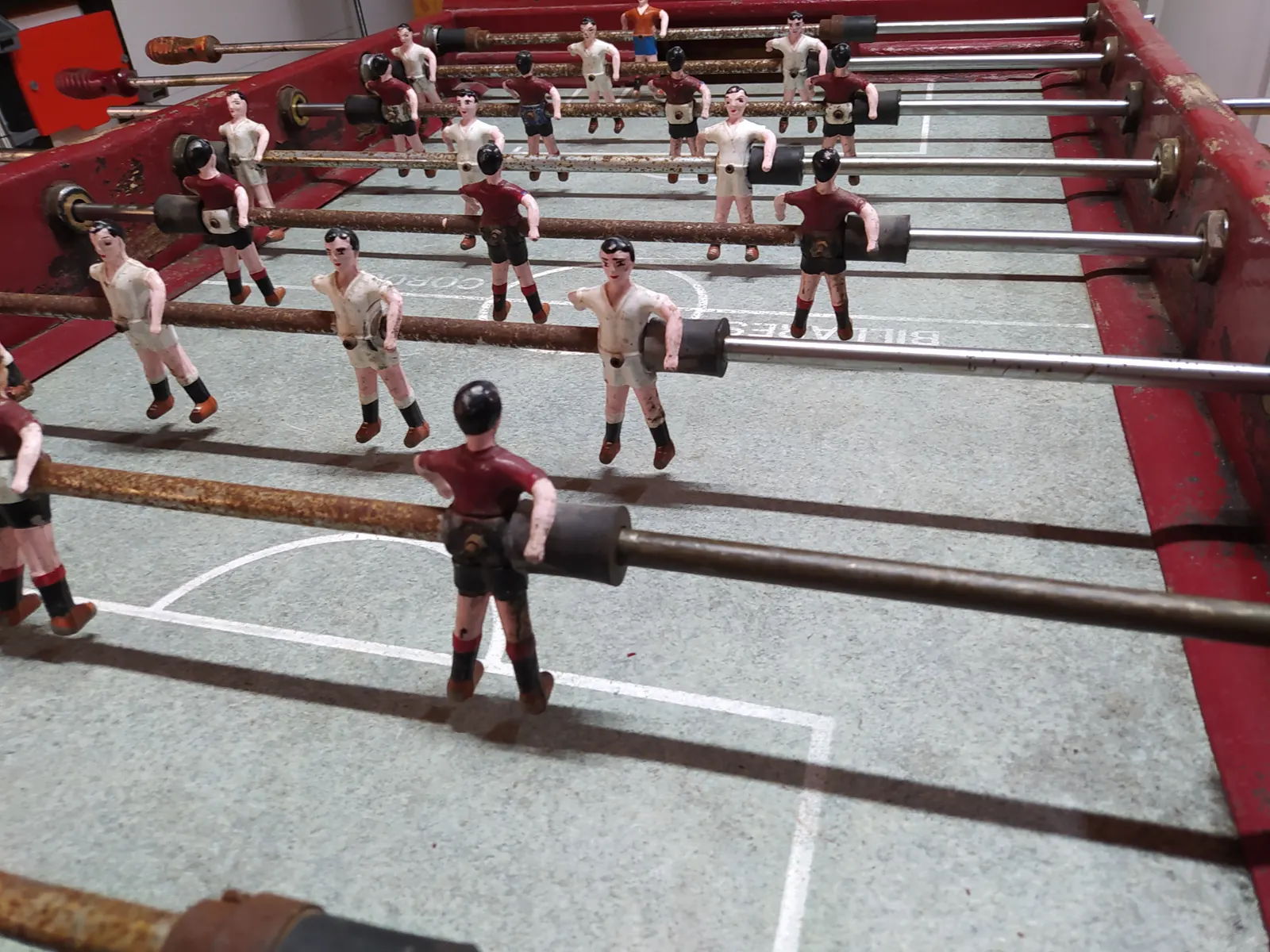
It's an old Córdoba foosball table, black and restored. That set the rules for the build:
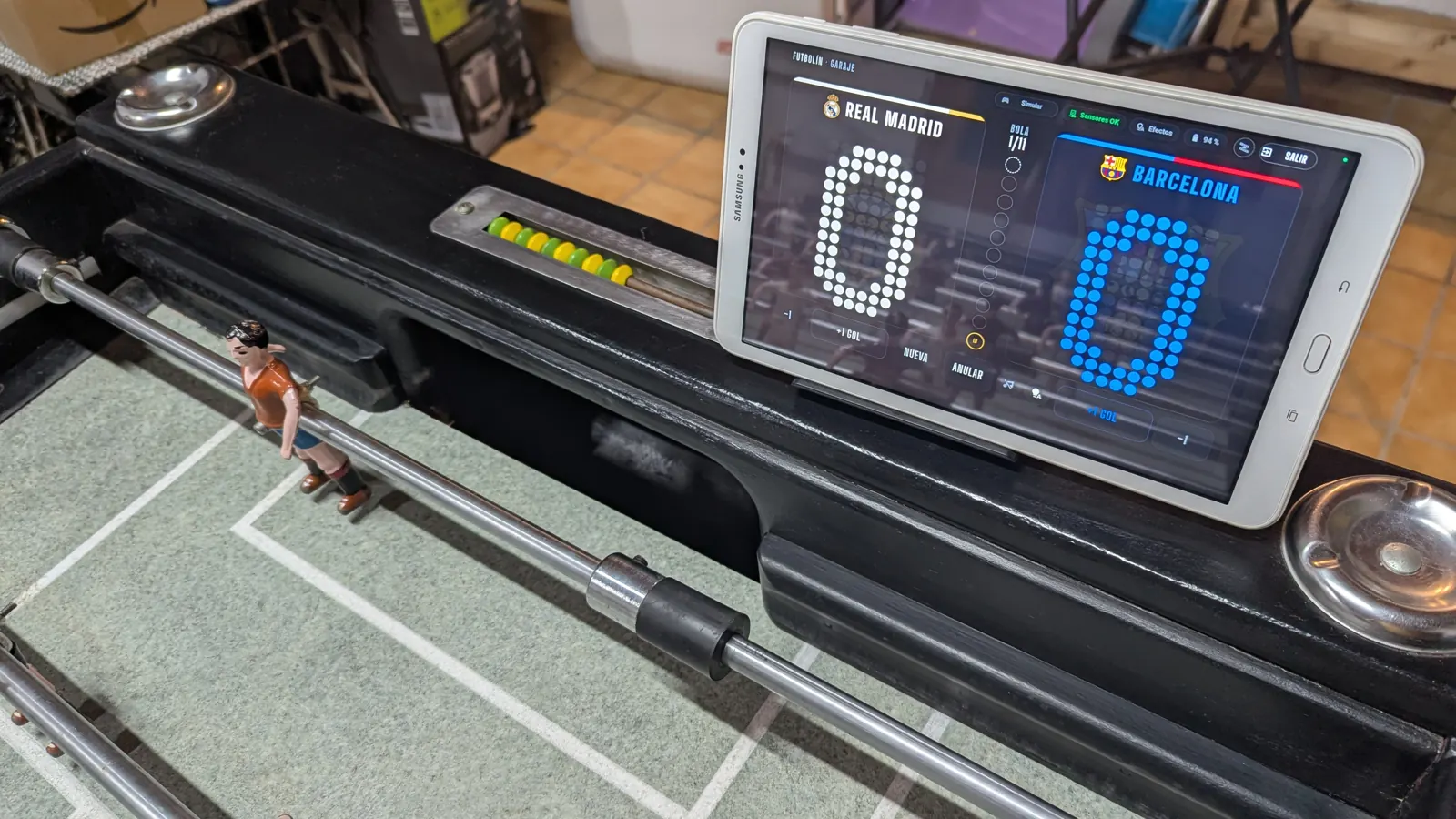
The abacus with red and blue beads is still in its place, just in case.


03
The obvious place to look would be the goal, but it's better to look afterwards. When the ball goes in, it drops through a slot into a wooden lane that rolls it down to the ball tray. By then it's no longer flying: it rolls slowly and always along the same path.
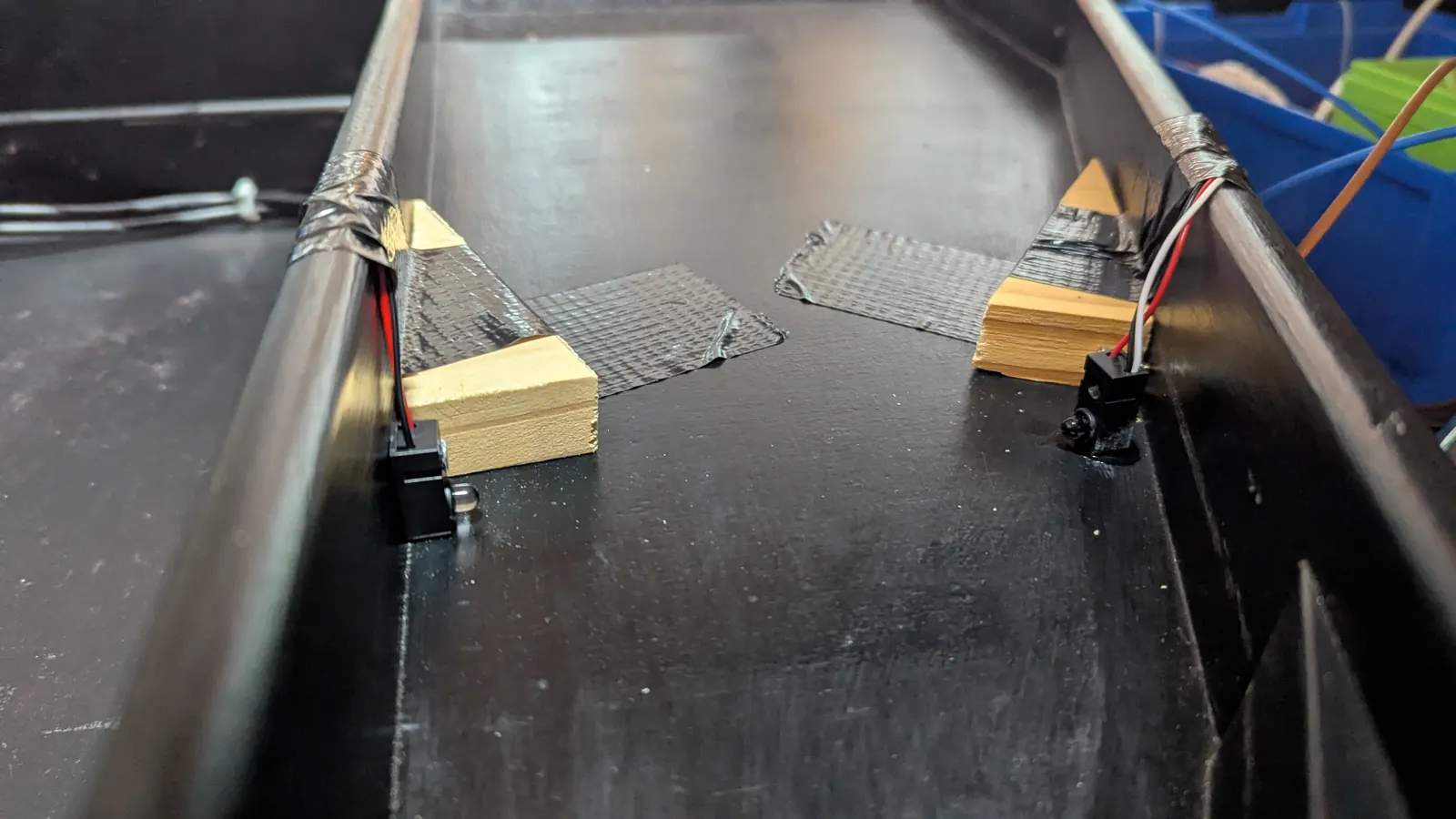
Each lane has an infrared beam, with an emitter on one side and a receiver opposite. When the ball passes, it breaks the beam for a few tens of milliseconds, and that's a goal.
Two wooden wedges glued inside the lane. Neither the goal nor the lane has been drilled.
The wedges come unglued and the sensors use connectors. The table goes back to how it was.
Each sensor is sheltered behind its wedge. The ball never touches it and the ramp guides it without slowing it down.
The beam crosses the lane wall to wall, so the ball breaks it wherever it rolls.
binary_sensor.futbolin_atasco_a).sensor.futbolin_ultimo_corte with its duration and what was made of it (goal, noise or bounce). That way the HA logbook keeps a diary of the match.
04
The key decision: the ESP32 runs the match, not Home Assistant. It counts, works out the phase and stores it in flash (restore_value) so a reboot or an OTA update doesn't lose it.
From there it reports two ways. To HA, through the ESPHome native API. To WLED, directly through the JSON API ({"ps": 3}), bypassing HA, so the effect fires instantly.
If the WiFi or Home Assistant goes down, the ESP32 keeps counting, and when it's back the tablet shows the right score. HA holds no match logic at all: it only displays the entities and presses the buttons.
05
The ESPHome device is called futbolin, so every entity ends up as <domain>.futbolin_*. The entity names are in Spanish. The teams are A and B: at home, A is Real Madrid and B is Barça.
| Entity | What it is |
|---|---|
sensor.futbolin_goles_a / _b | Goals for each team, from 0 to 6 |
sensor.futbolin_fase | reposo (idle), normal, bola_partido_a/_b (match point), la_buena (decider), fin_a/_b (end) |
event.futbolin_gol | gol_a or gol_b, only for goals seen by the beams. It's the natural trigger for automations |
sensor.futbolin_bateria | Battery %, computed from the highest voltage in the last 10 min so the strips' current spikes don't make it jump |
binary_sensor.futbolin_autotest | Result of the beams' self-test |
| Entity | What it does |
|---|---|
button.futbolin_nueva_partida | 0-0, let's play |
button.futbolin_gol_a_mas / _menos | Corrects the score. The phase is recalculated: a −1 from 6-5 brings match point back |
button.futbolin_anular_partida | Back to reposo |
switch.futbolin_efectos_luz | Turns the strip effects on or off |
number.futbolin_luces_bateria_minima | Battery % below which the lights are cut |
switch.futbolin_modo_enchufado | To play from a 12 V power supply instead of batteries: hides the battery and silences its warnings |
06
The scoreboard is an HA dashboard built from a single button-card with custom HTML: dot-matrix digits, the column of 11 balls showing the order of the goals, the “GOAL!” animation, the decider banner and the winner's screen. While it's open, HA disables the tablet's screensaver.
Every goal is called by a commentator who follows the match: the first goal, the equaliser, the streak, the comeback, match point, the goal that saves the match… There are 348 lines, generated in advance in Spanish with an OpenAI TTS voice. HA works out the moment of the match as a sensor attribute and the dashboard picks a random line, never repeating the previous one.

With music playing on the tablet, the commentator has to duck it, not stop it. Android only ducks the music if the new sound requests “transient, may duck” audio focus, and the WebView only requests it that way for media shorter than 5 s. With a longer line, the music paused and never came back.
The fix: while the commentator speaks, an <audio> element loops 1 s of silence, which requests the short focus. The voice plays separately through Web Audio, which requests no focus at all. When it's done, the silence's src is emptied and load() is called: with pause() alone, the focus is never released and the music stays ducked.
07
The table has no buttons: everything is done with Assist from the tablet. The phrases are conversation triggers in an automation that presses the ESPHome buttons. They're matched locally before reaching the LLM, so the table doesn't need to be exposed to Assist.
triggers: - trigger: conversation command: - "gol del Madrid" - "gol de los blancos" actions: - action: button.press target: entity_id: button.futbolin_gol_a_mas
| Phrase | Action |
|---|---|
| «Nueva partida», «echamos una» (new game, let's play one) | New game and scoreboard on the tablet |
| «Gol del Barça» (Barça goal) | +1 |
| «Ese no vale el del Madrid» (Madrid's one doesn't count) | −1 |
| «¿Cómo vamos?» (what's the score?) | Replies with the score and the phase |
| «Anula la partida» (cancel the game) | Back to idle |
| «Pon la música» (play the music) | Music on the tablet |
The phrases are in Spanish, the language of our Assist at home.
08
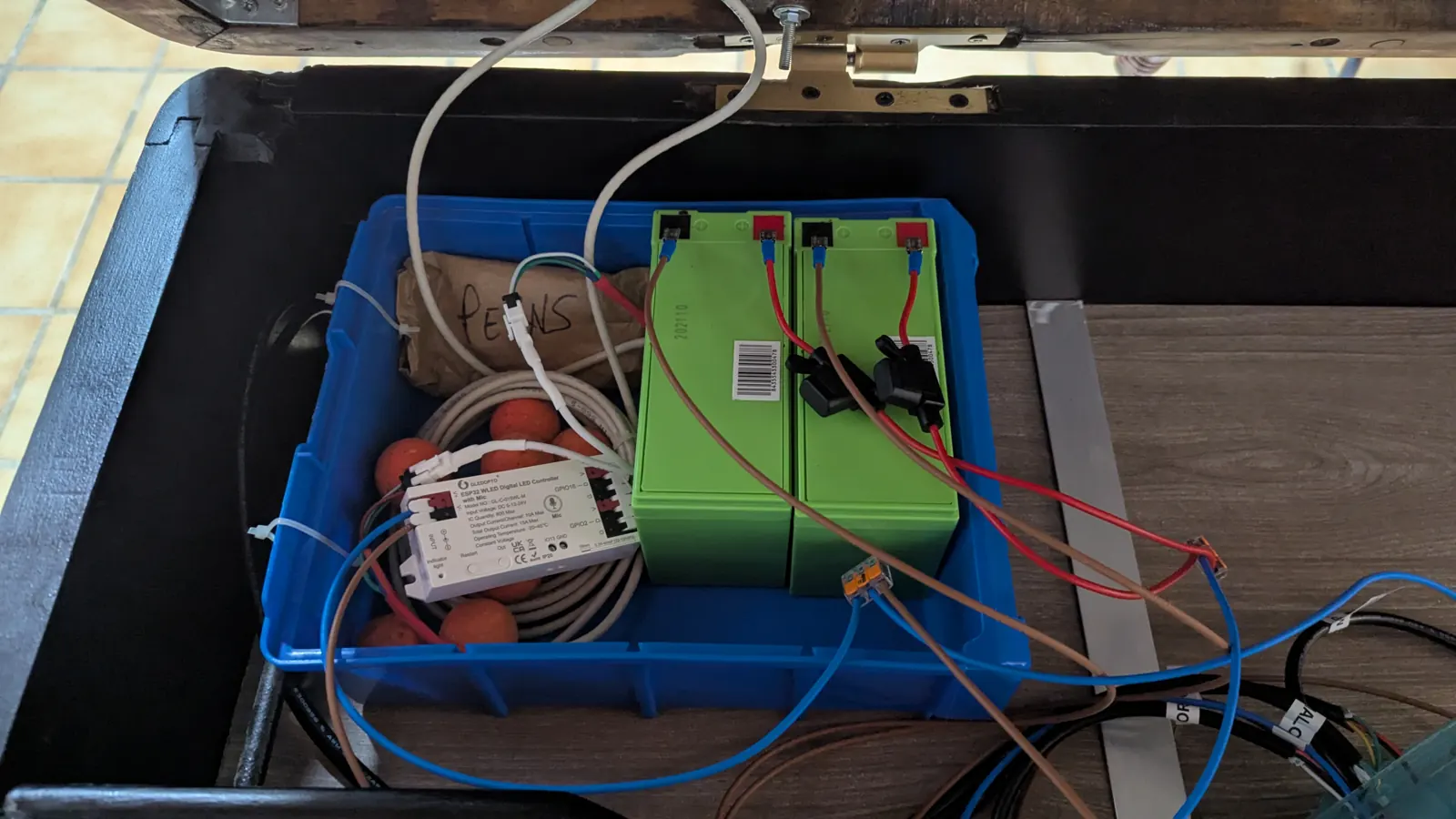
There's an LED strip along each side of the pitch (12 V WS2811, 28 pixels each), driven by a Gledopto controller running WLED. Each strip is a segment. On batteries they draw too much to stay on for a whole match, so they only play effects of a few seconds and then switch themselves off again.
Each moment is a preset (or a playlist of presets) that the ESP32 fires through the JSON API. The presets come out of a generator script, so they're versioned with the rest of the code.
| Preset | When | What it does |
|---|---|---|
gol_a / gol_b | Goal | A wave in the team's colour towards the opposing goal and fireworks, 3 s |
bola_partido_* | A team reaches 5 | The strips breathe in its colour for 8 s |
la_buena | 5-5 | Duelling waves, each from its own goal, and a golden heartbeat |
fin_a / fin_b | Winning goal | A party in the winner's colour, 10 s |
aviso | Jam or failed self-test | Solid red until it's resolved |
On low battery, the ESP32 cuts the lights by itself: if the % stays below number.futbolin_luces_bateria_minima for 60 s, it switches them off, and doesn't turn them back on until the battery is 10 points above the minimum. That margin stops the cut-off from bouncing, because the effects themselves pull the voltage down.
09
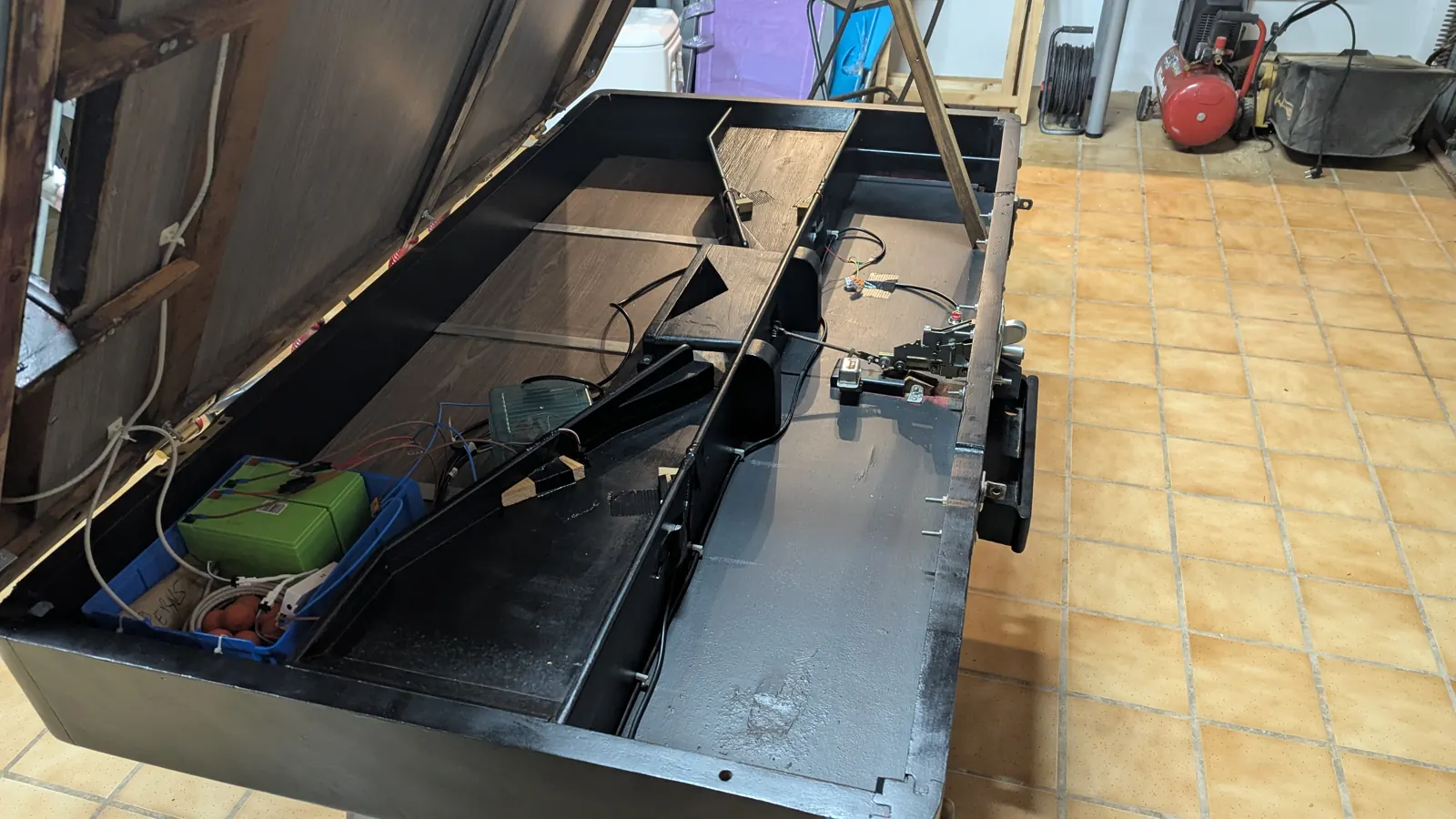
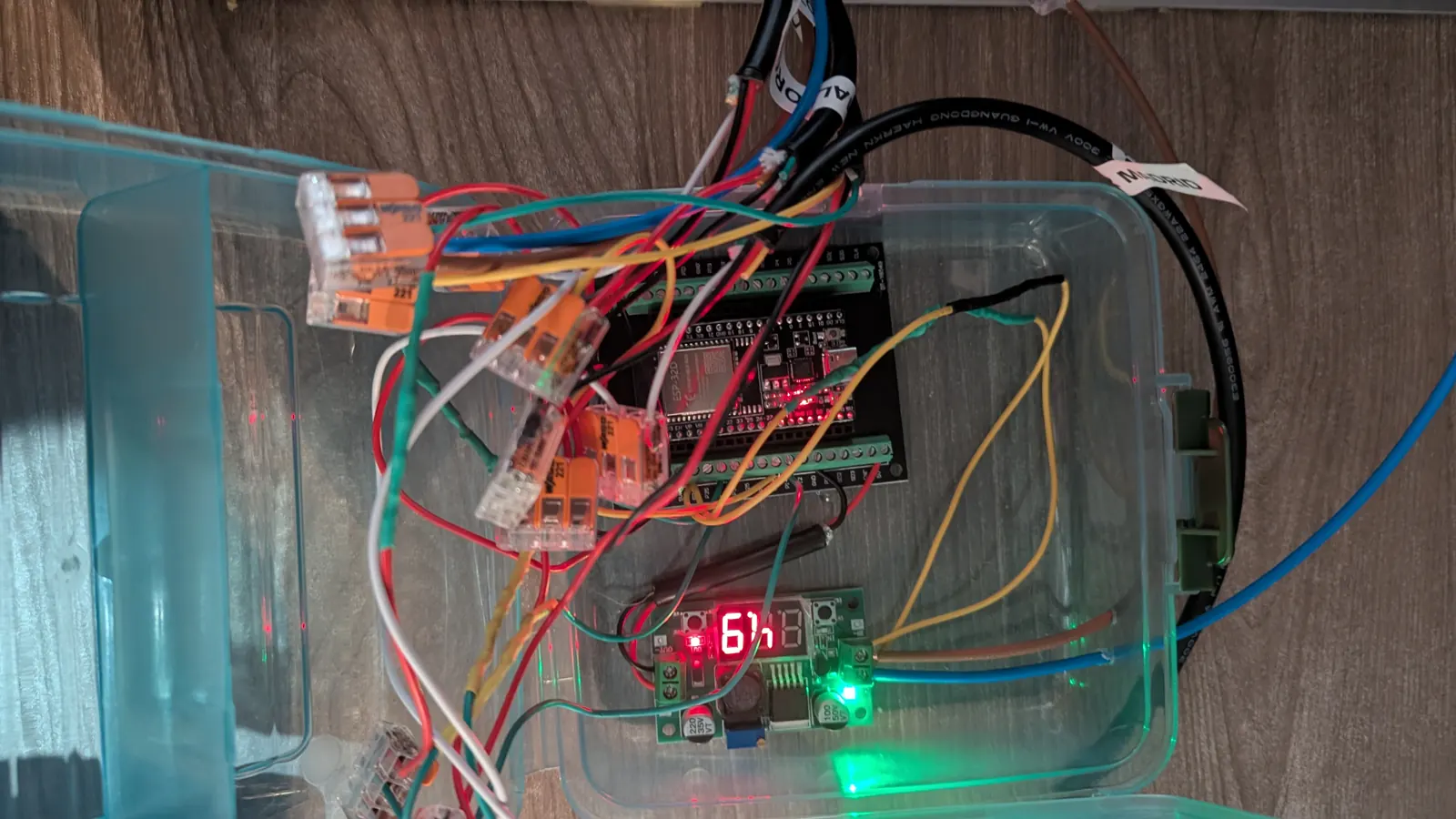
All the electronics sit on a plywood panel next to the batteries, in the fixed part of the cabinet: the ESP32, the buck converter that steps 12 V down to 5 V, a terminal strip acting as the 12 V bus and the interface board for the beams. The strips take 12 V directly.
Each lane gets a 5-wire cable ending in two JST-SM connectors, one for the receiver and one for the emitter. The pull-up resistors are soldered at the ESP32 end of the cable, and a 100k/20k divider brings the 12 V down to GPIO 34 to compute the battery %.
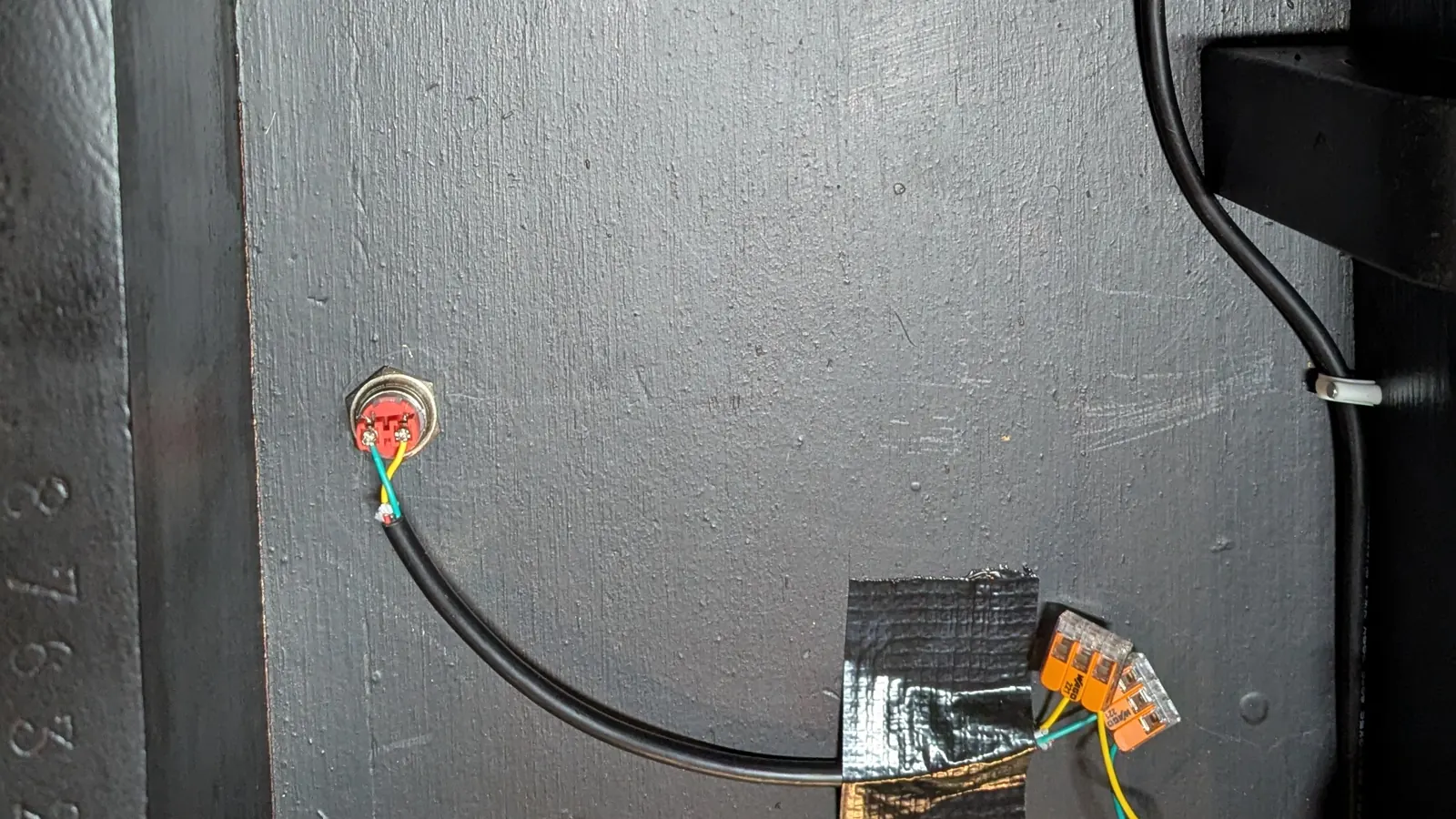
Two 12 V 7 Ah lead-acid batteries in parallel, each with its own 5 A fuse, and a main switch under the cabinet. On paper they're good for about 7 hours of play (still to be measured). To play plugged in, you take the batteries out and connect a 12 V power supply in their place.


It's all on GitHub, open source: the ESPHome firmware, the Home Assistant package with the scoreboard dashboard and the Assist phrases, the WLED presets with their generator, the commentary generator and the diagrams.